Incyclist logo Incyclist

Free and open source

Explore the world on your indoor trainer

Ride real-world videos, any GPX route, or simply pick a spot on the map and go — on your computer, your phone or your tablet.

Windows macOS Linux Android iOS

New

Now on phone and tablet

Incyclist is available for Android and iOS: ride real world videos and GPX routes, with the same workouts and the same activity history, on whatever screen sits on your handlebars.

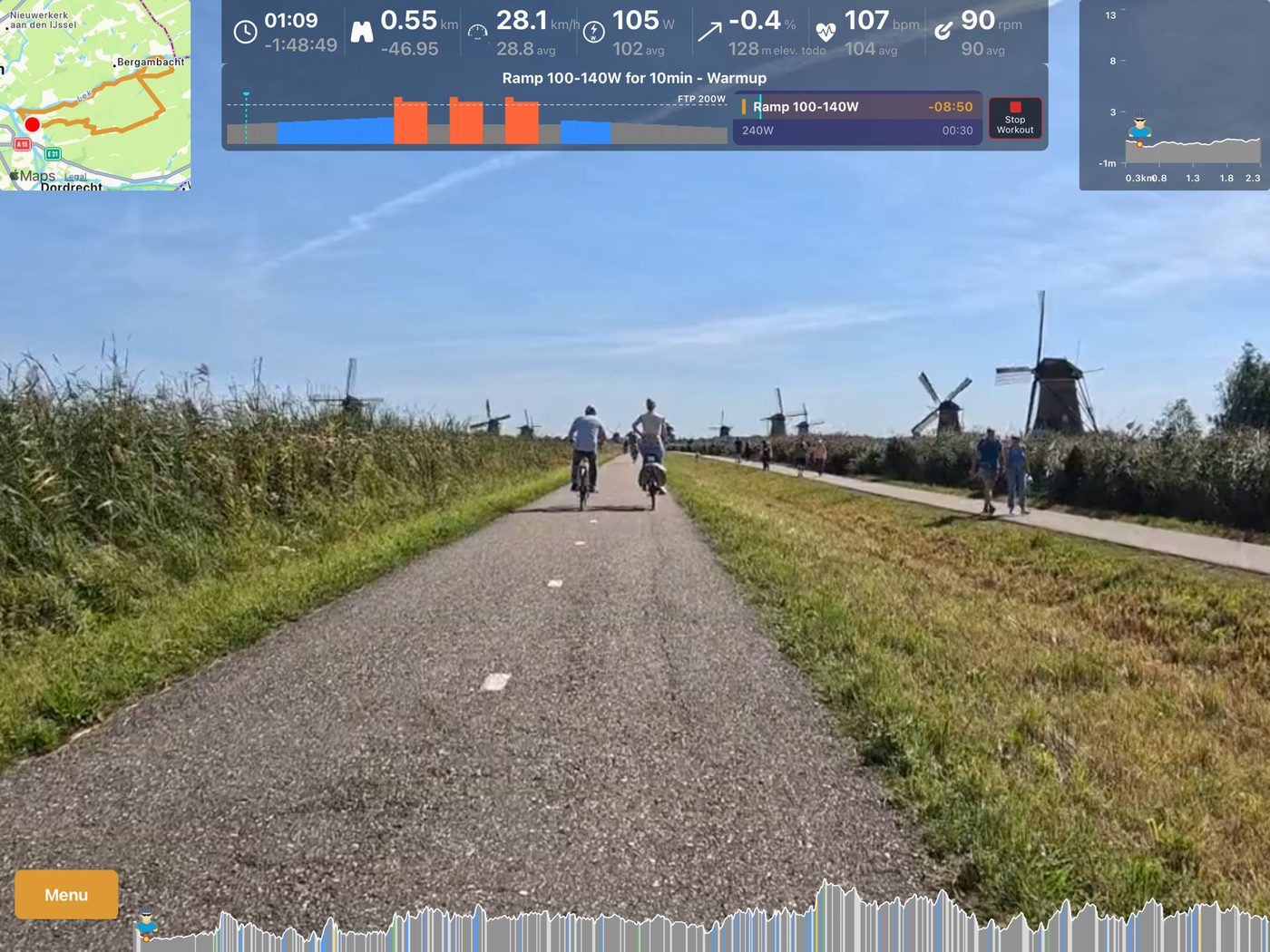
A workout ridden on a tablet, with live data, route map and elevation profile
A structured workout on a tablet, with live data and route map
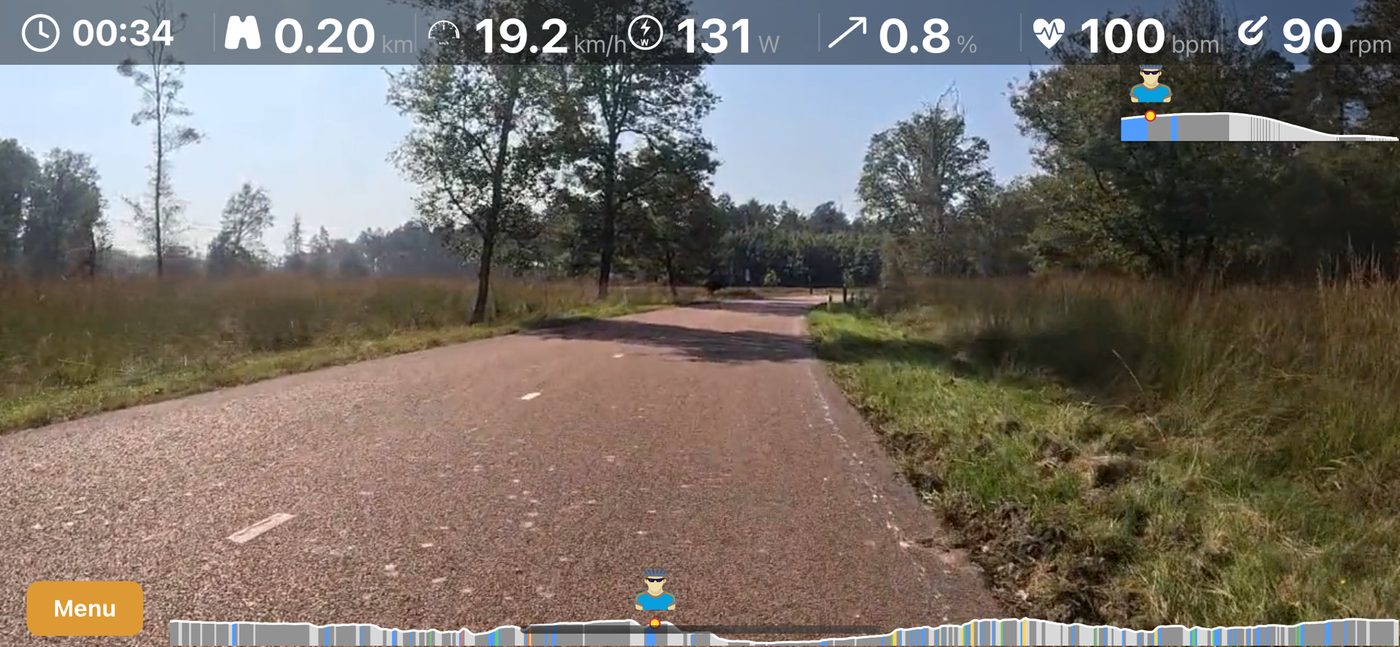
A ride on a phone, with live data across the top and the elevation profile below
A GPX route ridden on a phone
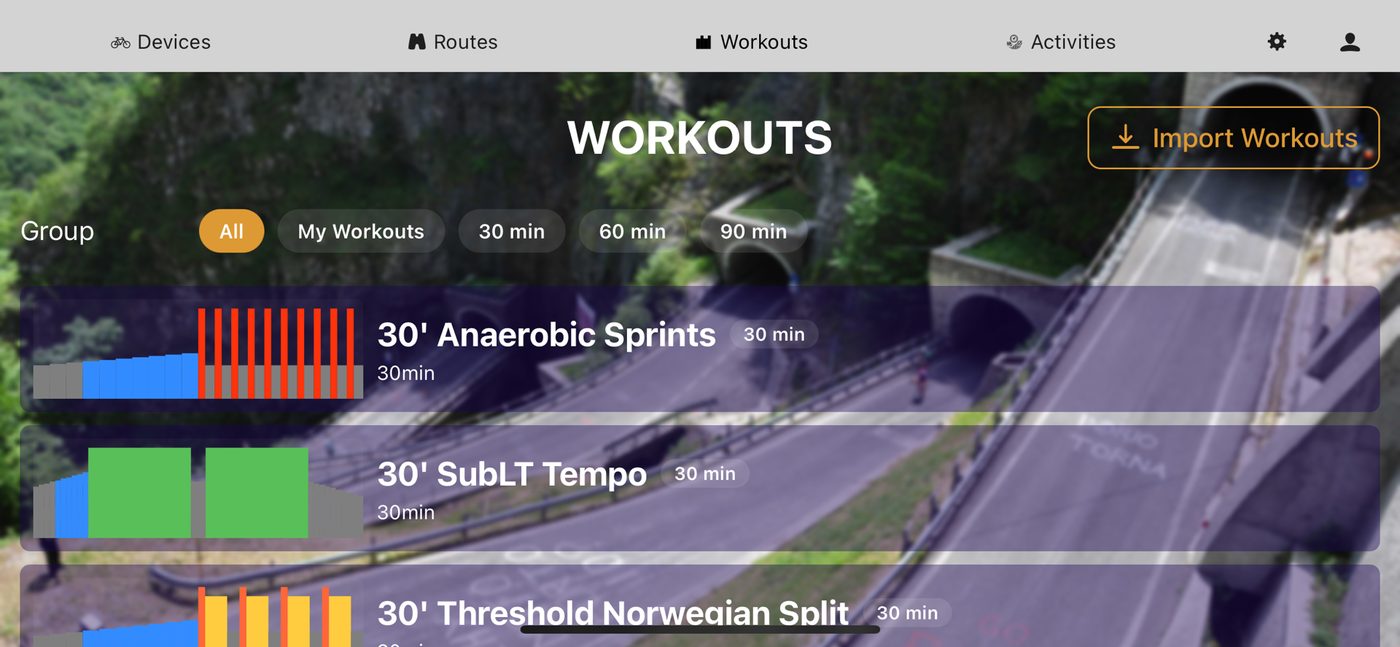
The workout library on a phone, filtered by duration
The built-in workout library, filtered by duration
  • Street View and Satellite View, with live position and camera rotation
  • See other cyclists on your route in real time
  • Race against your own previous rides
  • Change load or gear with a swipe
  • Audio cues on every workout step change
  • Pairs with Bluetooth and Direct Connect (WiFi) devices

What's new

Recently landed

Two more things that landed in recent releases.

New

Bluetooth on Linux

Bluetooth trainers, power meters and heart rate monitors now work on Linux. Earlier releases had Bluetooth switched off on Linux entirely, because reaching the adapter would have meant running Incyclist as root.

Linux now joins Windows, macOS, Android and iOS in supporting the full range of Bluetooth fitness devices — started as a normal user, like every other app.

Get the Linux AppImage
New

Virtual shifting

Shift gears on a trainer that has none. Incyclist keeps the resistance matched to the gear you are in, using the trainer's own virtual shifting where it has it.

Shift with the on-screen buttons or the arrow keys on the desktop, with a swipe on mobile, or with a Zwift Click or Zwift Play controller on either.

Supported devices

Key features

Four ways to ride — and two ways to race

Every ride can be combined with a structured workout, and every ride can be shared with other Incyclists.

Real world videos

Ride RLVs — videos recorded on real rides — with the resistance following the real gradient. Incyclist reads Ergoplanet (EPM), Tacx (PGMF) and KWT formats.

You can also build your own by pairing a video with a GPX track — how to do that.

Real world routes

Upload any GPX track and ride it in Street View, Satellite View or Map View — or import a route straight from your Komoot account.

Free ride

Search for any location in the world and start riding there. At every junction you choose where to go — no downloads, no route hunting, just go.

Desktop only for now.

Structured workouts

Pick one from the built-in workout library, import a Zwift workout file (.zwo), or sync the plan from your intervals.icu calendar.

Any workout can be ridden on top of a video, a GPX route or a free ride.

Ride with others

Other Incyclists riding the same route show up live, with their position and data next to yours. Start together, or simply meet whoever is out there.

Race against yourself

Ride a route you have done before and your earlier attempts appear on the road ahead of you — the simplest possible way to see whether you are getting faster.

See it in action

Some of our recent tours

Real rides from the app — real world video, Street View, Satellite View and a structured workout.

Riding a real world video in the Vercors, France
Real world video with live map, elevation profile and live data
Captain Cook Highway near Cairns, Australia
A GPX route ridden in Street View — anywhere Street View reaches
Structured workout on top of a Street View ride
A structured workout on top of a ride, with step controls and FTP targets
Long ride along the coast near Cascais, Portugal
Nearly two hours along the Portuguese coast, on a FatMax interval plan

Interested?

How to get started

Supported devices

  • ANT+ smart trainers (FE-C), power meters, cadence and speed sensors, heart rate monitors — desktop only
  • Bluetooth smart trainers (FTMS, Wahoo and Tacx FE-C over BLE), power meters and heart rate monitors
  • Direct Connect (WiFi) smart trainers
  • Zwift Play and Zwift Click controllers
  • Daum 8008 and Daum 8i ergo bikes
  • ... more to come

What you need

  • Desktop: Windows 10 or 11, macOS (Big Sur or newer, Intel and Apple Silicon), or Linux on x86-64 or ARM64 (tested on Ubuntu 20 and newer)
  • Mobile: Android 7.0 or newer, or iOS / iPadOS 15.5 or newer
  • For ANT+: an ANT+ dongle to pair with your trainer — desktop only
  • For Bluetooth: nothing extra, on any of the five platforms

New on Linux: Bluetooth devices are now supported. Earlier releases could not use them at all.

Installation

  1. Windows, macOS and Linux: grab the installer or AppImage from the download page. On Linux, see running Incyclist on Linux.
  2. Android and iOS: install from Google Play or the App Store.
  3. Launch the app — it pairs with your devices automatically.
  4. For anything else, see the Incyclist manual or the FAQ.

You can use it for free

Incyclist is free — and stays free

There is no subscription, no trial and no paywalled feature. If you enjoy the app you are welcome to donate an amount of your choice, but donating buys you nothing extra: it is entirely voluntary.

Welcome

A few words about myself

I am an enthusiast cyclist and I did not like the indoor cycling programs on the market — they were either expensive or built around one specific brand of hardware. So I decided to write my own.

Riding indoors, I always wanted to discover new places without first spending an evening hunting for routes. In Incyclist you can ride anywhere in the world and simply decide at each crossing where to go — just like you would outside.

Read more
Riding Incyclist along Miami Beach